
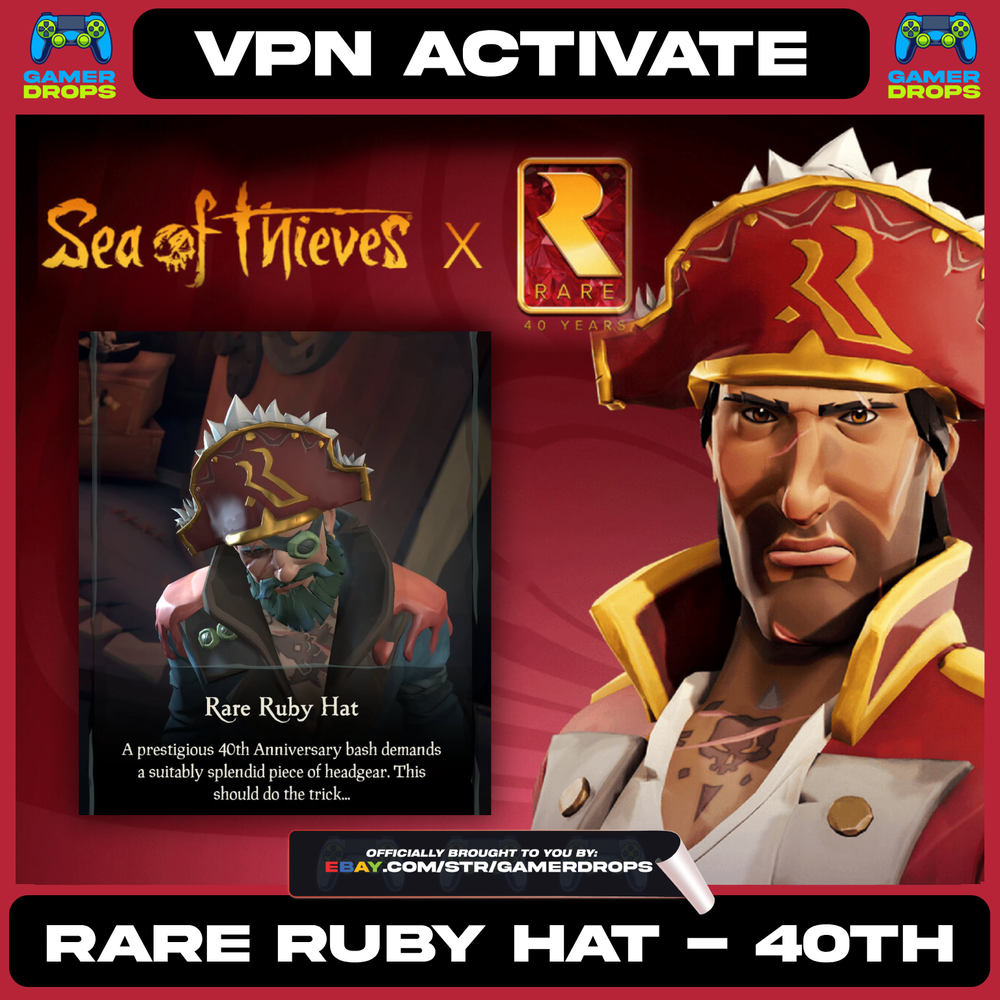
Sea of Thieves RARE RUBY HAT - 40th Anniversary Global🌎XBOX/PC CODE - NEW EMOTE
$ 12.67
Description
⛵ Sea of Thieves - RARE RUBY HAT Digital Key ⚓ Information: 🔑 After payment, you will receive a 25-digit key. Please enter this key at Microsoft's code redemption website or in the Xbox Store to redeem it. 🎮 Valid for Xbox and Windows 10/11 (if the game is available in the Microsoft Store). 🕹️ The base game is required in order to play. The product works WORLDWIDE. ✅ HOW TO REDEEM ON XBOX SERIES X|S OR XBOX ONE: From your Xbox Home Menu go to the Microsoft Store. If prompted, sign in. From the left sidebar menu in the Store, highlight and select “Redeem” with the A Button on your wireless controller. Enter your code when prompted and then select Next to confirm. If the downloadable content is available, a download will start under "My Games and Apps" in your Queue. ✅ HOW TO REDEEM ONLINE: From a web browser, go to redeem.microsoft.com . Enter the 25-character code, select Next, and then follow the prompts. ✅ STEAM USERS (PLEASE READ): Due to the fact that the code is only redeemable through a Microsoft account and NOT STEAM directly, if you want the items on Steam, you must launch the Xbox/Microsoft Store (PC) version of Sea of Thieves after redeeming the code for the items to be applied and usable in-game across all platforms. Below are two methods with the additional steps to take to have the items available on Steam . METHOD 1: Redeem the code on your Microsoft account with one of the above methods. Once code is redeemed on your Microsoft account, contact Sea of Thieves Customer Support ( support.seaofthieves.com ) to have them manually add your reward to your account, it should then appear across all platforms in your cosmetics. (Read on for another option) METHOD 2: Redeem the code on your Microsoft account with one of the above methods. Once code is redeemed on your Microsoft account, log into the Xbox/Microsoft Store (PC) version of Sea of Thieves. (Can be done through Xbox Game Pass) Once you launch the game from the Xbox/Microsoft Store (PC) version of Sea of Thieves your reward should be automatically added to your account, it should then appear across all platforms in your cosmetics. Important: ❤️ Customer satisfaction and a 5-star rating are very important for us! We guarantee the highest service quality
Great response time and trustworthy 👍
Item is Just as described, I highly recommend this seller to everyone
Very nice and friendly seller, I got what I order, thank you so much ❤️
Related products
Nintendo Switch ANONYMOUS CODE Limited Edition Guidebook Japan NTSC-J
$ 50.78Donkey Kong Country Tropical Freeze (Nintendo, WIIU 2014) Selects - Tested Works
$ 7.38Ion Fury - Nintendo Switch, Brand New SEALED
$ 21.127 PlayStation 1 Demo Discs
$ 40.13